
Technical SEO Issues Killing Your Rankings
Top technical SEO issues: crawl errors, robots.txt mistakes, broken canonicals, mobile usability, slow Core Web Vitals, indexing problems.
The Technical SEO Issues That Quietly Cap Most Sites
Most websites that plateau in rankings have hidden technical SEO issues bleeding equity. We have built our entire methodology on the premise that search engine rankings are meaningless without tangible business results, a core belief since Adam Yong founded Adam SEO in 2011. The pattern is incredibly consistent across the Technical SEO audits we run, where these SEO audit issues frequently cap growth for regional clients.
You might assume the problem is poor content or a lack of backlinks. A deep audit usually reveals canonical conflicts, blocked sections, or mobile usability gaps that Google has been silently downgrading for months.
Let’s look at the data to understand the five most common technical SEO problems, and then explore exactly how to fix them.
1. Crawl Errors in Google Search Console
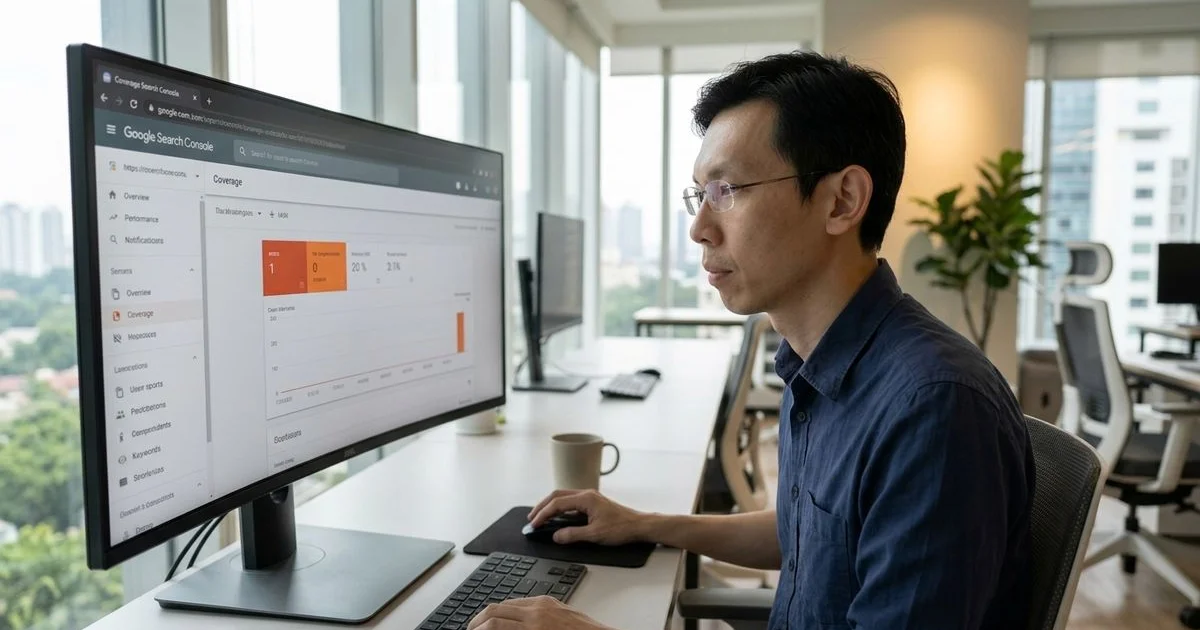
The first place to check is Google Search Console. Navigate to the Indexing section and click on Pages to see three categories that require immediate attention. We frequently see these errors compound on large e-commerce sites.
Recent 2026 data from Duplex Ventures shows that WooCommerce now powers over 45% of local Malaysian online stores. These database-driven platforms generate massive, complex crawl paths.
Common Indexing Categories:
- Errors: These include 4xx pages, 5xx server errors, and redirect loops. Each one represents lost authority and a frustrating user experience.
- Excluded: These are pages Google chose not to index. Common reasons include duplicate content, low quality, soft 404s, or pages blocked by robots.txt.
- Discovered, not indexed: Google knows these pages exist but has not indexed them yet. This frequently points to severe crawl budget issues on low-authority sites.
Here is an insider tip for managing out-of-stock products. Deleting a product page without a 301 redirect is a massive mistake that instantly creates a 404 error. You should always redirect discontinued items to the parent category page to preserve link equity.
The standard remediation pattern is to triage everything by traffic impact. Fix errors on high-priority pages first, and accept some “Excluded” pages as intentional, like shopping carts or internal search results. You can then investigate those “Discovered, not indexed” patterns site-wide.
2. Robots.txt Mistakes
A misconfigured robots.txt file causes some of the most catastrophic traffic drops we see among Malaysian SMEs. The instruction file tells search engine bots which pages they can and cannot request from your site. We have seen businesses lose their entire organic footprint overnight due to a single misplaced keystroke.
Migrations from local platforms like EasyStore to global solutions like Shopify often trigger these disasters. Developers frequently block the staging environment to prevent duplicate indexing. They then push the site live and completely forget to revert the blocking rule.
Critical Mistakes to Avoid:
Disallow: /blocks everything, making the site go completely dark to Google.Disallow: /*has a similar effect, as some bots interpret it as a full block.- Disallowing entire content sections during a staging-to-production push and forgetting to revert.
- Conflicting Allow and Disallow rules that produce unexpected crawler behaviour.
You must run a diagnostic check immediately if traffic suddenly flatlines. Visit yoursite.com/robots.txt and read the text line by line.
If anything looks suspicious, audit your Search Console for indexing drops that align perfectly with the robots.txt change date. The cost of missing this error is total visibility loss, while the fix takes only two minutes.
3. Broken Canonicals
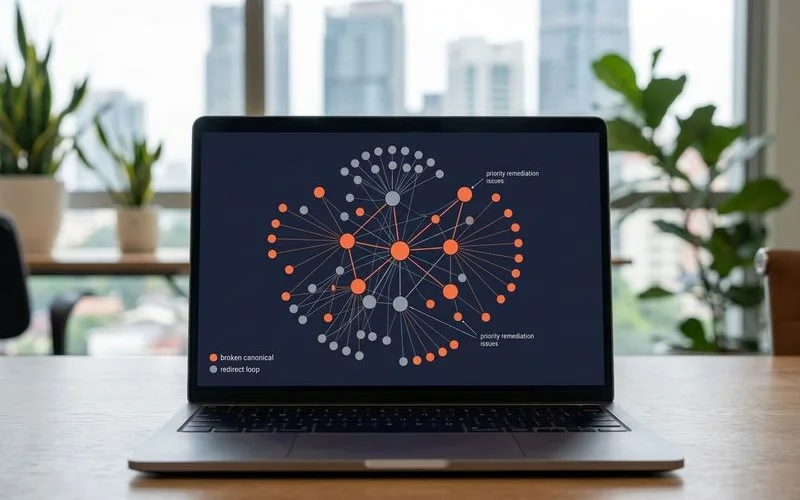
Canonical tags tell Google which version of a page is the absolute source of truth when duplicates exist. This technical signal is especially critical in Malaysia, where multi-language sites offering content in Bahasa Malaysia, English, and Chinese frequently create overlapping pages. We rely heavily on exact canonical mapping to prevent search engines from getting confused.
A missing or broken tag forces Google to guess which URL to rank. This guesswork almost always leads to a drop in your organic performance.
Common Canonical Failures:
- Missing self-canonical: Every page should canonical to itself by default. Missing self-canonicals invite a duplicate-content interpretation.
- Cross-domain canonical errors: Canonicalising to a different domain you do not own actively bleeds your authority away.
- Canonical chain: A multi-step pattern dilutes the ranking signal. Canonicals should always be a direct, single-hop link.
- Canonical to a noindexed page: This severely confuses Google about whether the canonical target is actually valid.
We recommend running a dedicated crawl using Screaming Frog with canonical reporting enabled. Surface every single mismatch and fix them in priority order based on the highest page traffic.
4. Mobile Usability and Mobile-First Indexing
Google has enforced mobile-first indexing since 2019. Your rankings will drop if your mobile experience is materially worse than your desktop version. We prioritise mobile performance because the Malaysian Communications and Multimedia Commission reported that the country reached 99.71% mobile internet coverage in populated areas by the end of 2025.
Local consumers are browsing and buying on their phones. A clunky mobile interface directly sabotages your sales pipeline.
Frequent Mobile Failures:
- Tap targets that are too small or placed too close together.
- Text sizes that are too small to read comfortably without zooming in.
- Viewports not configured properly, often missing the required HTML tag.
- Content blocked or hidden on mobile that the desktop version displays.
- Aggressive pop-ups covering the main content upon load.
Search Console surfaces these precise errors under the Mobile Usability report. You should also test your URLs through Google PageSpeed Insights.
A competitive site in 2026 must pass Core Web Vitals thresholds. Your Largest Contentful Paint (LCP) needs to trigger in under 2.5 seconds, and your Cumulative Layout Shift (CLS) must stay below 0.1. Fix the highest percentage-affected metrics first, as site-wide issues place a hard cap on your overall rankings.
5. Indexing Problems (Parameter URLs and Duplicate Content)
A massive red flag appears when your indexed pages count is significantly higher than your actual content count. This discrepancy usually means Google is finding and indexing thousands of low-value, automatically generated URLs. We constantly catch this issue on large retail sites using complex filtering systems.
Local merchants offering multi-currency toggles or Ringgit (MYR) price sorters often accidentally generate endless parameter URLs. Search engines crawl every variation, exhausting your crawl budget and flagging the site for duplicate content.
Primary Causes of URL Bloat:
- Parameter URLs from filters, sorting options, or tracking session IDs getting indexed.
- Print-version URLs duplicating the core canonical content.
- Tag and category archive pages heavily overlapping with standard category pages.
- Pagination URLs indexed without proper rel=prev/next or clear canonical handling.
The fix requires a unified canonical strategy, strict robots.txt parameter handling, and precise URL parameter configuration. See the e-commerce SEO checklist for the exact e-commerce-specific patterns you need to resolve.
The diagnostic shortcut
Run a Screaming Frog crawl plus pull Google Search Console Coverage data. Cross-reference the indexed pages against your intended pages. For anything Google indexed that you did not intend, you must make a clear decision to canonicalise, redirect, or noindex.
Bridge to the Engagement
Technical SEO audits typically uncover 20 to 40 distinct technical SEO issues across the crawl, canonical, mobile, and Core Web Vitals categories. Prioritisation based on traffic impact is exactly what makes the engagement productive. We focus on fixing the technical SEO problems that block revenue first.
Do not let hidden code issues cap your organic growth. See Core Web Vitals explained for the speed-side audit details, or request a technical audit to surface your specific issue list today.
Related Guides
Core Web Vitals Explained for Business Owners (LCP, INP, CLS)
LCP, INP, CLS in plain language: how each affects user experience, target thresholds, where to measure, and when to call a specialist.
How to Recover From a Google Penalty in 30 Days
Manual + algorithmic penalty diagnosis, GSC manual-action review, disavow file process, content remediation, reconsideration request — realistic timeline.
Frequently Asked Questions
How do I find technical SEO issues myself?
Start with GSC Coverage report plus a Screaming Frog crawl. Both surface 80% of issues for free or near-free. Add PageSpeed Insights for Core Web Vitals and you have the basic diagnostic kit. Beyond that, Ahrefs and SEMrush add competitive context but cost RM 800-1,000 per month each.
Can technical SEO issues cause traffic loss overnight?
Yes. Robots.txt typos, accidental noindex tags, and broken canonicals have wiped sites in hours. Site-wide HTTPS migration mistakes, faulty redirect rules, and DNS issues can cause similar acute drops. The diagnostic priority is to scan for these first because they are the most catastrophic.
How long does a technical SEO audit take?
1-2 weeks for diagnosis. Remediation timeline depends on issue scope — simple fixes (robots.txt, canonicals) ship in week 1; architectural overhauls take 1-3 months of dev work. For most Malaysian SMEs, the quick wins compound enough in month 1 to justify the audit cost.